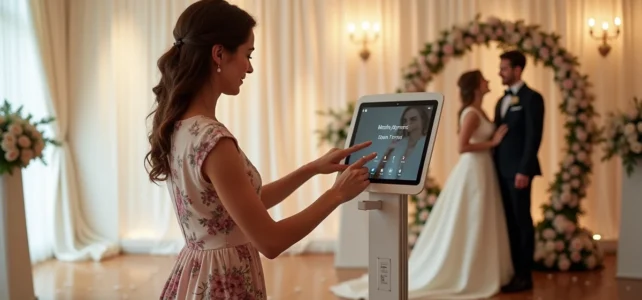
Have you ever tested a photobooth at a party and found that the photos were blurry, dark, or poorly framed? In most cases, the problem does not come from the lighting or the accessories, but from the tablet itself. For a wedding, the choice of the tablet for the photobooth directly affects the quality of the memories. It is essential to know which technical criteria really matter, beyond price or screen size.
Position of the front camera and compatibility with photobooth cases
This is the point that most guides overlook. A tablet intended for a photobooth works exclusively with its front camera, the one facing the guests. The rear camera, often much better, remains unusable in this configuration.
You may also like : How to Watch Your Favorite Movies and Series Streaming for Free and Easily
Before buying, check the exact position of the front lens on the chassis. Recent cases and kiosk structures (made of wood or metal) are designed to accommodate specific models like the iPad Pro or the Microsoft Surface Pro. If the front lens of your tablet does not align with the opening in the case, your photos will be misaligned or partially obscured.
A comprehensive guide to identify the best tablets for photobooths allows you to cross-reference the dimensions of each model with the kiosk structures available on the market.
See also : How to Choose the Right Outfit for Electric Scooter: Essential Tips and Tricks
Also consider the thickness of the case. A tablet that is too thin will slip into a holder designed for a thicker model, while a tablet with a wide frame simply won’t fit. Check the format, thickness, and position of the camera before making a purchase.
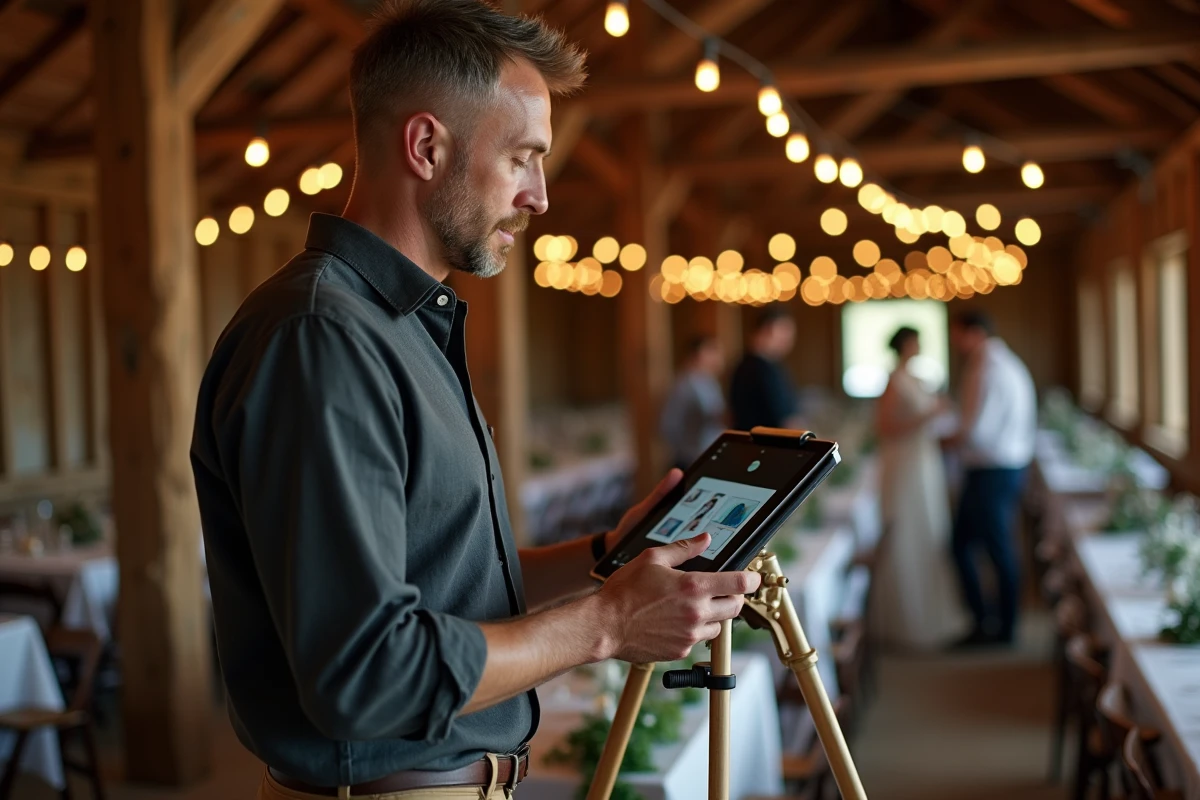
Quality of the front sensor: what makes the difference in wedding conditions
A wedding is rarely a photo studio. Lighting varies between the reception hall, the garden at the end of the day, and the dance floor in the evening. The tablet must handle these transitions without producing excessive grain or blur.
Why is this criterion so crucial? Because the front sensors of tablets are significantly smaller than the rear sensors. Two tablets at the same price can yield very different results in low light depending on the size of the sensor and the aperture of the front lens.
Parameters to check on the technical sheet
- Resolution of the front sensor: a sensor of at least 12 megapixels avoids blur during cropping or postcard-sized prints.
- Aperture of the lens (indicated by a number like f/2.2 or f/1.8): the lower the number, the more light the camera captures, which reduces grain in the evening.
- Front autofocus: some tablets only have a fixed focus on the front camera, which produces slightly blurry faces when guests are too close or too far from the photobooth.
A high-performing front sensor partially compensates for average lighting. With a mediocre sensor, even a ring light won’t be enough to salvage the shots.
Screen size and ergonomics for wedding guests
A photobooth tablet screen serves two purposes: displaying the camera feed so guests can position themselves, and triggering the shot via a touch button. For these two uses, size matters, but not in the way you might think.
A screen between 11 and 13 inches offers the best compromise. Below this size, guests struggle to see themselves properly, especially in groups. Above this size, the tablet becomes difficult to integrate into a standard kiosk structure.
Height of the tablet according to the audience
For a wedding with many children, the recommendation is to place the lens around 1.40 m in height. For a predominantly adult audience, aim for between 1.65 and 1.75 m to avoid guests leaning or lifting their chins in an unflattering way.
This adjustment directly depends on the stand or kiosk used, as well as the position of the camera on the tablet. A lens placed at the top of the chassis and another centered will not provide the same angle at the same support level.
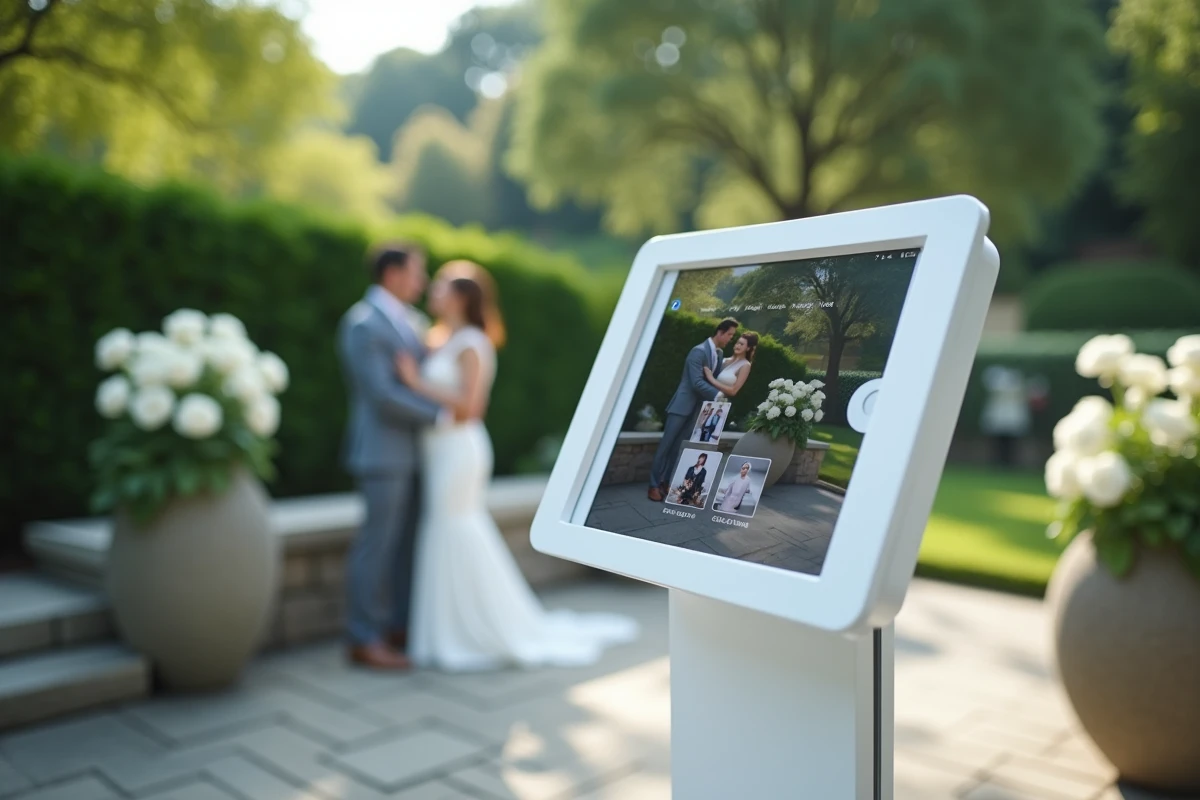
Photobooth software and operating system: a choice that commits
The software that operates the photobooth (triggering, filters, custom overlays, email sending, or printing) depends on the tablet’s operating system. Not all applications run on all systems.
On iPad (iPadOS), applications like Darkroom Booth or Simple Booth offer smooth interfaces with regular updates. The annual subscription cost varies depending on the features: some basic licenses cost less than 100 dollars per year, while others exceed this threshold to unlock printing or online galleries.
On Windows tablets (notably Surface Pro), the software choice is broader for connecting a DSLR camera as a supplement, but the initial setup takes more time. On Android, compatibility with portable photo printers remains more unpredictable.
- iPadOS: the easiest to set up, wide range of dedicated applications, but a closed ecosystem (no direct connection to a DSLR without an adapter).
- Windows: ideal for hybrid tablet + DSLR use, but more technical setup.
- Android: lower entry budget, but less predictable software and hardware compatibility.
The operating system dictates the compatible accessories, from the printer to the external flash. Choosing the tablet without checking the software ecosystem is like buying a car without checking if fuel is available in your area.
Modular cases: invest in the structure rather than the tablet
The 2025-2026 market has seen the emergence of empty photobooth cases, made of wood or metal, sold as modular solutions. The principle: you insert your own tablet into a ready-to-use structure, without having to buy a complete set each time you change models.
This approach has a concrete advantage for a wedding. If you rent your photobooth or build one yourself, you can renew the tablet in two or three years without replacing the entire kiosk. The case remains, only the screen evolves.
Check that the case accommodates the size range corresponding to your tablet (most cover the 11 to 13-inch format) and that the cutout leaves the front lens perfectly unobstructed.
The choice of a tablet for a wedding photobooth rests on three technical pillars rarely combined in the same entry-level model: a bright front sensor, verified software compatibility, and a physical format suited to current kiosk structures. It is better to invest a little more in the tablet and save on the background decoration than the other way around, because guests forgive a wrinkled curtain, not blurry photos.