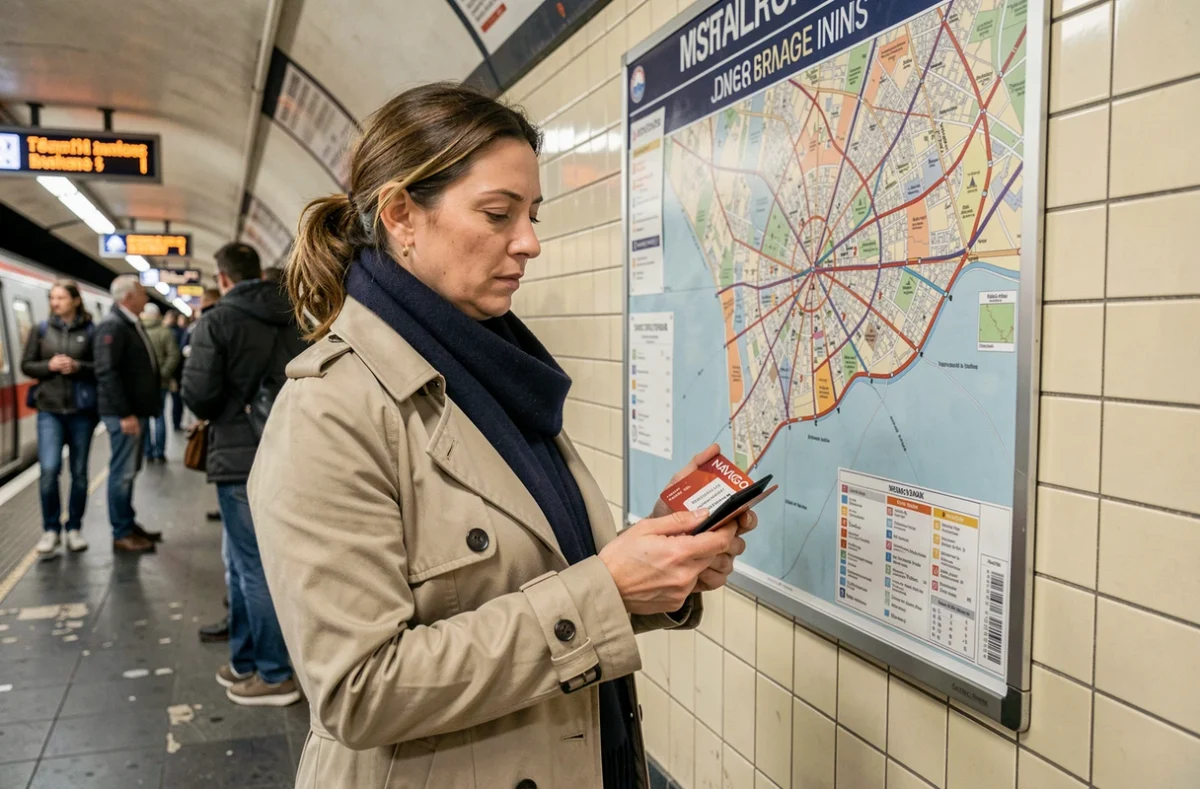
The Île-de-France transit network divides the region into five concentric zones numbered 1 to 5, from central Paris to the regional boundaries. Each Navigo pass (Weekly, Monthly, Annual) uses these zones to define the area covered by unlimited travel. Understanding how they work helps you avoid fines at ticket gates and choosing the wrong pass.
Navigo transfer zones and fare zones: a common source of confusion
Île-de-France Mobilités’ data catalog includes a dataset called “Transfer Zones.” This label refers to physical connections between stops, not the geographical zones covered by a Navigo pass. Confusing the two can lead to misreading interactive maps on the official website.
Navigo fare zones are purely geographical: they define concentric rings around Paris. The zone shown on a pass determines how far you can travel without paying extra. A transfer zone, by contrast, determines how much time you have to change lines or modes of transport without validating another ticket.
We’ve found that this distinction is missing from all the general-interest guides on the subject. When passengers consult Île-de-France Mobilités’ open data to check their zone, they sometimes land on the wrong dataset and draw incorrect conclusions about their pass coverage. Remember the rule: “transfer zone” refers to the time allowed to transfer between stops; “fare zone” refers to the geographical area covered by the ticket.
To learn more about how Paris transport zones work with Navigo, a closer look at each ring can help you pinpoint where your regular journeys fall.

All-zone or limited-zone Navigo pass: technical criteria for choosing
The Navigo Weekly pass requires you to choose a range of contiguous zones. A zones 1–3 pass does not allow you to validate beyond zone 3 without an additional ticket.
The Navigo Weekly pass requires particular care when identifying your home zone and regular destinations.
The most reliable way to find the zone for a station or stop is to use the search tool on the Île-de-France Mobilités website. Paper maps displayed at stations are not always up to date, especially for bus routes in the outer suburbs.
Special case: airport journeys
The “Paris Region – Airports” ticket is a separate purchase category from standard Metro-Train-RER tickets. A standard single ticket loaded onto Navigo Easy is not enough to reach an airport: you need to buy the specific airport ticket.
- Navigo Easy with a single ticket: does not cover the airport journey; you need to load the “Paris Region – Airports” ticket
Buying tickets on your phone: Google Wallet and Navigo authentication
Navigo tickets are now also available through Google Wallet. Tickets offered through this channel include Metro-Train-RER, Bus-Tram and Paris Region – Airports. However, this digital option does not cover every situation.
Buying a Navigo Weekly or Monthly pass through Google Wallet requires authentication with Île-de-France Mobilités Connect. Without an account, only single tickets or ticket books are available on your phone. To create an account, you need an email address, a password and a completed passenger profile.
A common pitfall: an occasional traveler buys a single ticket on Google Wallet, thinking it covers all zones. A Metro-Train-RER ticket has limited geographical validity. For a journey to the outer suburbs or an airport, you must explicitly select the appropriate ticket from the list in the app.

How to identify your Navigo zone without relying on station maps
Zone maps displayed at RER and Transilien stations may be several years old. Some municipalities changed zones during the fare restructuring, and not all physical displays have been updated.
The most reliable method involves three steps:
- Search for your station or stop on the Île-de-France Mobilités website, which shows the current fare zone for each stop
- Check your destination zone in the same way, especially for municipalities near the boundaries between zones 3 and 4 or zones 4 and 5, where the borders can be unclear
- Compare the two zones to determine the minimum range for a Weekly pass, or confirm whether an all-zone pass offers better value
Choosing the wrong zone for a Navigo Weekly pass can result in a fixed fine if you are checked outside the area covered by your pass. Inspectors check the zone encoded on the chip, not the traveler’s intended destination.
Zone boundaries in practice
For stations located on the boundary between two zones, checking the Île-de-France Mobilités website is essential. A station’s classification in one zone or the other directly affects the cost of a Navigo Weekly pass for its users.
Zone boundaries remain a concern for Navigo Weekly pass users, Navigo Easy holders with single tickets, and occasional travelers who buy tickets on their phones. Checking your zone before each purchase remains the most worthwhile practical habit on the Île-de-France network.